 Not just another digital agency.
 Growth
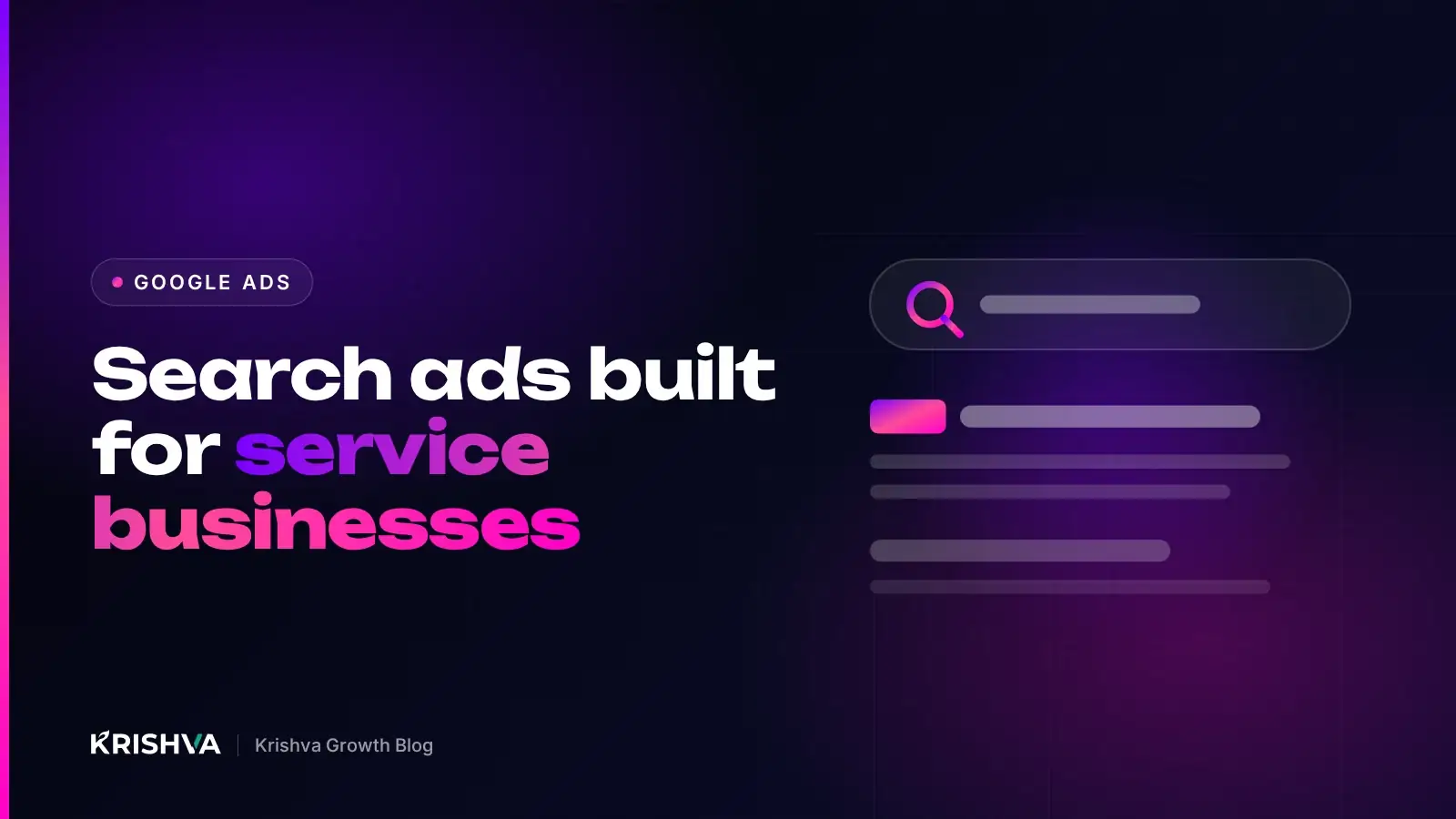
 Google Search Ads for Service Businesses: Structure, Keywords and Budget
How service businesses can structure Google Search campaigns, choose keywords and negatives, write relevant ads, set budgets and bidding, and track calls and leads properly.
In this article13 sections
Quick answerFor a service business, build Google Search campaigns around tightly themed ad groups per service, use phrase and exact match keywords at first, add negative keywords from day one, write responsive search ads that match each group’s intent, send clicks to the matching service page, and track calls and form leads as conversions before trusting any automated bidding strategy.
This guide is for owners and marketers of service businesses, such as clinics, consultancies, trades, agencies and training providers, who want Google Search ads to bring enquiries without wasting budget. It explains how to structure an account, choose keywords, write ads, set budgets and measure what matters.
Why do Google Search ads suit service businesses?
Search ads reach people at the moment they are looking for a service, so intent is usually higher than on social platforms. Your job is to show up for the right searches, with a relevant message, and to turn the click into an enquiry.
That intent works both ways. Searches such as “emergency plumber near me” and “how to fix a leaking tap” look similar but mean very different things. Much of good account management is separating buyers from researchers and job seekers. For a wider comparison of channels, see Google Ads vs Meta Ads.
How should you structure a Search campaign?
Organize the account the way customers search: one campaign per goal or location set, and one ad group per service or closely related theme. Tight themes make ads and landing pages more relevant.
- Campaigns: separate by budget priority or geography, for example “Core services – City A” and “Core services – City B”, or by business line if budgets differ.
- Ad groups: one per service, such as “Boiler repair”, “Boiler installation” and “Annual servicing”.
- Keywords: a focused list per ad group that all express the same need.
- Ads: responsive search ads written for that ad group’s service.
- Landing pages: the matching service page or a dedicated landing page, not your homepage.
Location settings matter
In Google Ads location options you can target people who are in or regularly in your locations (“Presence”), or also people who show interest in them. For most local service businesses, “Presence” avoids paying for clicks from people who cannot use your service.
How do you choose the right keywords?
Start with the services you want more of and the words customers use for them, then filter for buying intent. Fewer, well-chosen keywords beat long lists of loosely related terms.
Match types
| Match type | Written as | What it does | Use it when |
|---|---|---|---|
| Exact | [boiler repair] | Matches searches with the same meaning | You know precisely which searches convert |
| Phrase | "boiler repair" | Matches searches that include the meaning of the phrase | Starting out, with some control and some reach |
| Broad | boiler repair | Matches related searches, using wider signals | Conversion tracking is solid and you use Smart Bidding |
Google’s documentation recommends pairing broad match with Smart Bidding, because the bidding system uses conversion data to decide which related searches are worth it. Without reliable conversion tracking, broad match can spend quickly on irrelevant searches.
Negative keywords from day one
Negative keywords stop your ads from showing for searches you do not want. Start with an obvious list and grow it weekly from the search terms report.
- Job seekers: jobs, salary, careers, training course (unless you sell training)
- Do-it-yourself research: how to, DIY, tutorial, free template
- Wrong services or products you do not offer
- Locations you do not serve
How do you write ads that get the right clicks?
Write ads that repeat the searcher’s need, state what makes you a sensible choice and set expectations about the next step. The aim is relevant clicks, not the most clicks.
Responsive search ads let you supply up to 15 headlines and 4 descriptions, according to Google Ads Help, and Google tests combinations automatically. Make the most of them:
- Include the service name in several headlines so ads match the ad group.
- Add genuine differentiators you can prove: experience, service area, guarantees you actually offer, response times you can keep.
- Mention pricing information or “free quote” only if it is true on the landing page.
- Pin headlines only when necessary, because pinning reduces the combinations Google can test.
Use assets
Assets (previously called extensions) add useful information to your ad: sitelinks to other service pages, callouts, structured snippets listing services, call assets with your phone number, and location assets linked to your Google Business Profile. They make the ad more useful and take up more space on the results page.
How much budget do you need, and how should you bid?
Set a budget that can buy enough clicks for the campaign to learn, and start with simpler bidding until conversion tracking is proven. Spreading a small budget across many services usually means none of them gets enough data.
Google Ads Help explains that on a given day a campaign may spend up to twice its average daily budget, but over a month it will not charge more than the daily budget multiplied by the average number of days in a month. Plan monthly budgets with that in mind.
- Start: focus the budget on your most profitable services and core locations.
- Learn: use Maximize clicks with a bid limit, or Maximize conversions once tracking is reliable.
- Optimize: when you have a steady flow of conversions, test target cost per acquisition (tCPA) based on what a lead is worth to you.
How do you track calls and leads from Google Ads?
Track every action that represents a real enquiry: form submissions, calls from ads, calls from your website and, where relevant, WhatsApp clicks. Smart Bidding can only optimize for what you measure.
- Set up conversion actions in Google Ads, or import key events from Google Analytics 4.
- Use call assets with call reporting, and website call tracking if you use a forwarding number.
- Enable enhanced conversions to improve measurement accuracy where consent allows.
- Import offline conversions, such as “qualified” or “won”, from your CRM so bidding learns lead quality.
Our guide to GA4 events for lead generation websites explains how to define the events worth tracking.
What should you review every week?
A short weekly routine prevents most wasted spend: check search terms, conversions, budget pacing and lead quality, then make a few deliberate changes.
- Search terms report: add negatives, and promote converting searches to keywords
- Conversions by ad group and keyword: shift budget to what produces qualified leads
- Ad performance: replace weak headlines and descriptions
- Landing page: check speed, forms and phone links on mobile
- Lead quality: ask whoever answers the phone which enquiries were real
At Krishva Growth this weekly review is the core of our Google Ads management, because small, regular corrections protect budget better than occasional big changes.
Frequently asked questions
Should I use broad match keywords for a service business?
Only once conversion tracking is reliable and you are using Smart Bidding, which is how Google recommends using broad match. Without good conversion data, broad match can trigger ads for loosely related searches and spend budget quickly. Many service businesses start with phrase and exact match, build negative keyword lists, and test broad match later.
Why are my Google Ads getting clicks but no leads?
Check three things first: the search terms report for irrelevant searches, the landing page on a phone for speed and a clear form or call button, and your conversion tracking to confirm leads are being recorded. Mismatched messages between ad and page, and sending clicks to the homepage, are common causes.
Should ads go to my homepage or a service page?
Send each ad group to the page that best matches the search, usually the specific service page or a dedicated landing page. The homepage makes visitors hunt for the right information, which tends to reduce enquiries. The landing page should repeat the service named in the ad and make the next step obvious.
How long does it take for a new Google Ads campaign to perform well?
Expect an initial period of learning and adjustment. Automated bidding strategies need conversion data, and you need a few weeks of search terms to refine keywords and negatives. Judge early weeks by relevance and lead quality rather than by cost per lead alone, and avoid making major changes every few days.
Are Local Services Ads different from Search ads?
Yes. Local Services Ads are a separate Google product, available for certain business categories in some countries, where businesses go through screening and typically pay per lead rather than per click. Search ads are available far more widely and give you control over keywords and ad copy. Some businesses use both where eligible.
Next step
If you already advertise on Google, a free audit can show whether your landing pages and tracking are ready for paid traffic. To budget a managed campaign, try the instant quote builder or read more about our Google Ads service.
Want this done for your business?
Get a free audit of your website and Google presence, or ask us anything on WhatsApp at +91 77376 08231.
Get the next one in your inbox.
One practical growth guide a month, written by the team behind this article.