 Not just another digital agency.
 Growth
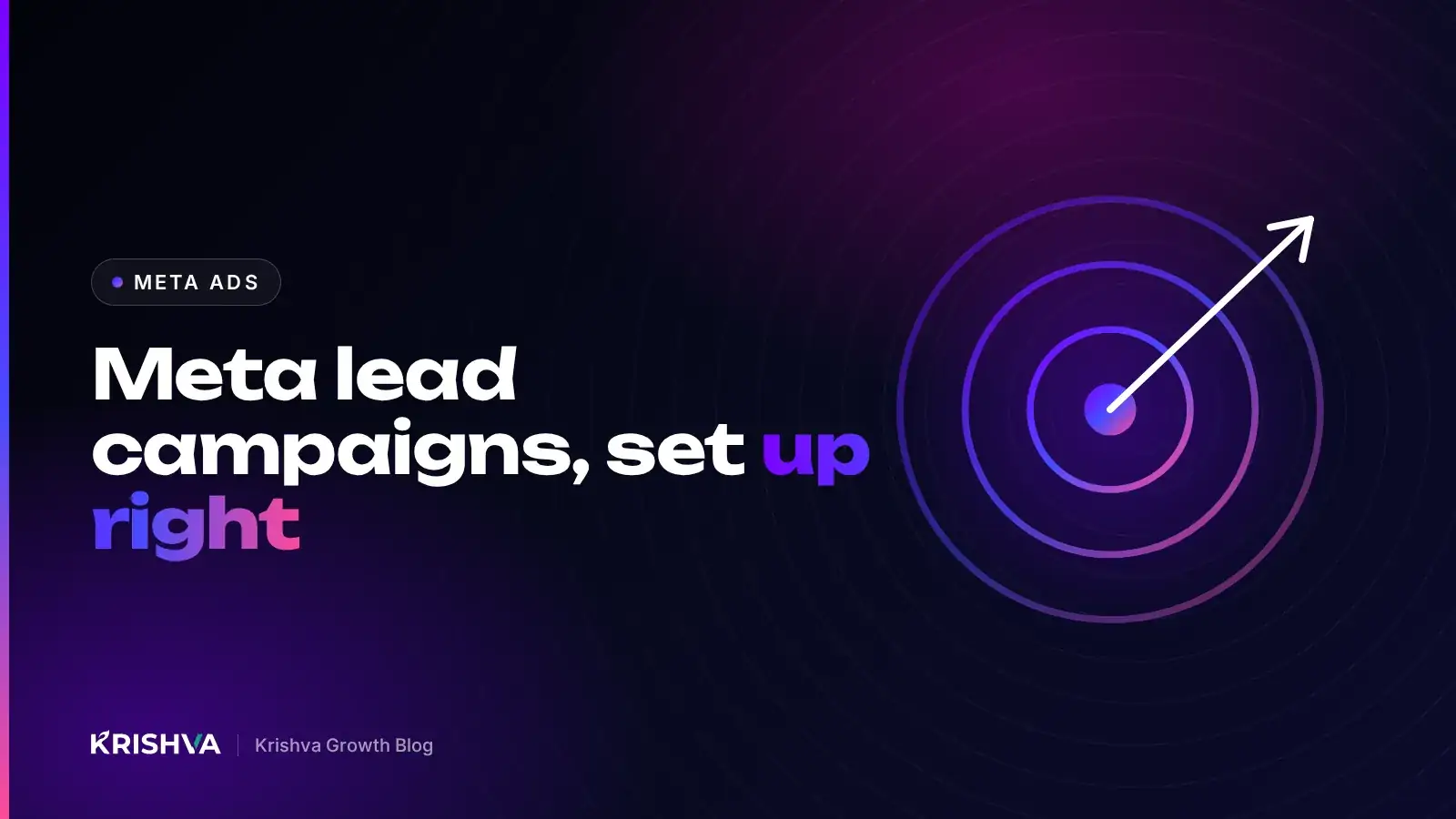
 Meta Ads for Lead Generation: Campaign Setup, Audiences and Tracking
How to run Facebook and Instagram ads for enquiries: account setup, the Leads objective, structure, audiences, creative, Pixel and Conversions API, and judging lead quality.
In this article10 sections
Quick answerFor lead generation on Meta, choose the Leads objective, decide between Instant Forms and sending people to your own landing page, start with broad or Advantage+ audiences guided by a clear offer, and set up the Meta Pixel with the Conversions API so Meta can learn from real leads. Then judge campaigns by qualified leads and sales, not by cost per form alone.
This guide is for business owners and marketers who want Facebook and Instagram ads to produce enquiries they can actually close. It covers account setup, campaign structure, audiences, creative, lead forms, tracking and how to read results, with the reasoning behind each choice so you can adapt it to your business.
What do you need in place before running Meta lead ads?
You need a business-owned ad account, a Facebook Page and Instagram account connected to it, a clear offer, a way to receive and follow up leads quickly, and tracking set up. Skipping any of these is the most common reason lead campaigns disappoint.
- Business portfolio ownership: create the ad account, Pixel and Page in your own Meta business portfolio and give agencies role-based access. Never run ads from a freelancer’s personal account.
- A privacy policy: Meta requires a link to your privacy policy on Instant Forms, and your website needs one anyway.
- A follow-up process: decide who calls or messages each lead, how quickly and with what script. Leads go cold fast when nobody replies.
- A specific offer: a free consultation, an estimate, a site visit or a downloadable guide gives people a concrete reason to share their details.
Which campaign objective should you choose?
Choose the Leads objective when the goal is enquiries. Meta’s Ads Manager groups campaigns into six objectives (Awareness, Traffic, Engagement, Leads, App promotion and Sales), and the objective tells the system which result to find more of.
Within the Leads objective you choose where the conversion happens:
| Option | How it works | Strengths | Watch out for |
|---|---|---|---|
| Instant Forms | A form opens inside Facebook or Instagram, prefilled with profile details | Fast and easy on mobile, often more submissions | Lower intent if the form is too easy; needs quick follow-up |
| Website conversions | The ad sends people to your landing page and form | More context, higher intent, your own data | Needs a fast, focused landing page and correct tracking |
| Messaging | The ad opens a chat in Messenger, Instagram or WhatsApp | Conversational, good for questions before buying | Someone must reply promptly during business hours |
If Instant Forms bring in many unqualified contacts, Meta offers a “higher intent” form type that adds a review step before submission. Adding one or two qualifying questions, such as budget range or timeline, also helps.
How should you structure your campaigns?
Keep the structure simple so each ad set gets enough data to learn. Fewer, better-funded ad sets usually outperform many small ones that never leave the learning phase.
Meta’s Business Help Center explains that an ad set needs around 50 optimization events within seven days of its last significant edit to exit the learning phase. That is why splitting a small budget across many audiences and objectives slows learning down. A practical starting structure:
- One prospecting campaign with the Leads objective and one or two ad sets.
- Three to five ads per ad set, each testing a genuinely different angle or format.
- One retargeting campaign later, for people who visited your site or engaged with your content, once you have enough audience volume.
Avoid frequent edits. Significant changes to budget, targeting or creative can restart learning, so make changes in planned batches.
How do you choose audiences for lead generation?
Start broad and let your creative and offer do the targeting. Meta’s delivery system increasingly finds the right people from signals in your ads and conversion data, so overly narrow interest stacks often limit results rather than improve them.
Audience options to test
- Advantage+ audience: you give Meta suggestions, such as age range or interests, and it may go beyond them when it predicts better results.
- Broad targeting: location, age and language only, relying on the creative to attract the right people.
- Custom audiences: website visitors, video viewers, past enquirers or customer lists you have permission to use.
- Lookalike audiences: people similar to a source audience, such as customers who became paying clients.
If your business offers credit, employment, housing, or ads about social issues, elections or politics, Meta requires you to declare a Special Ad Category, which restricts some targeting options. Check this before you build campaigns.
What makes a lead ad creative work?
A strong lead ad makes the audience recognize their problem, understand the offer and know exactly what happens after they submit. Clarity beats cleverness.
- Name who it is for in the first line, so the right people stop scrolling.
- Show the outcome or process, not just your logo: before-and-after work, a quick walkthrough or a real team at work.
- State the offer and next step plainly: “Book a free consultation and we’ll call you to arrange a time.” Only promise what you can deliver.
- Design for mobile and vertical placements, with captions on video.
- Test different angles, such as problem, outcome and objection, rather than small color changes.
How do you track leads properly?
Install the Meta Pixel on your website and add the Conversions API so events are sent from your server as well as the browser. Then send lead quality back to Meta so it can optimize for people who become customers, not just people who fill in forms.
- Set up the Pixel and a standard Lead event on your thank-you page or form submission.
- Add the Conversions API, through your website platform’s integration or a server-side setup, and enable event deduplication.
- Use consistent UTM parameters on website ads so your analytics shows campaign and ad names. Our guide to tracking leads from Google and Meta ads covers naming.
- Record each lead’s outcome in your CRM: contacted, qualified, proposal, won or lost.
- Where possible, share those outcomes back with Meta (for example through the Conversions API for CRM) so the system learns which leads matter.
Respect consent rules in the countries you advertise in. Where cookie consent is required, tracking should load only after the visitor agrees.
How do you judge whether Meta ads are working?
Judge campaigns by cost per qualified lead and by revenue, not just cost per lead. A cheap lead that never answers the phone costs more than a pricier lead that becomes a client.
- Review lead quality weekly with whoever follows up
- Compare ads by qualified leads, not just form submissions
- Watch frequency and creative fatigue, and refresh ads when performance slips
- Give changes time to settle before deciding
Our Meta Ads service at Krishva Growth includes this weekly lead-quality review as standard, because it is where most of the real optimization happens.
Frequently asked questions
Are Instant Forms or landing pages better for lead generation?
Neither is always better. Instant Forms usually produce more submissions at a lower cost because they are quick on mobile, while landing pages tend to attract more informed, higher-intent leads. Many businesses test both. Judge them by qualified leads and closed sales, and add qualifying questions or the higher intent form type if form leads are weak.
How much should I spend on Meta ads for leads?
There is no universal figure. Work backwards from what a customer is worth to you, how many leads you need, and how many leads typically become customers. Your budget should also be enough for each ad set to gather data; Meta notes that ad sets need around 50 optimization events in a week to exit the learning phase.
Why are my Meta leads low quality?
Common causes are an offer that is too easy or too vague, a form with no qualifying questions, slow follow-up, and optimizing only for cheap form fills. Clarify who the offer is for in the ad, add one or two qualifying questions, call leads quickly, and feed lead outcomes back to Meta so it can optimize for quality.
Do I need the Conversions API if I already have the Pixel?
Meta recommends using both. The Pixel records events in the browser, which can be limited by browser privacy settings and ad blockers, while the Conversions API sends events from your server. Using both with deduplication gives Meta more complete data to optimize delivery and gives you more reliable reporting.
Can I run lead ads without a website?
Yes. Instant Forms and messaging ads work without a website, though you still need a privacy policy link for forms. A website helps, however: people often check it before replying, it lets you run website-conversion campaigns, and it builds retargeting audiences. Even a simple, fast landing page adds credibility.
Next step
If you are already running Meta ads, a free audit is a good way to spot tracking gaps and landing page issues. To estimate a managed campaign, use the instant quote builder, or see what the Meta Ads service includes.
Want this done for your business?
Get a free audit of your website and Google presence, or ask us anything on WhatsApp at +91 77376 08231.
Get the next one in your inbox.
One practical growth guide a month, written by the team behind this article.